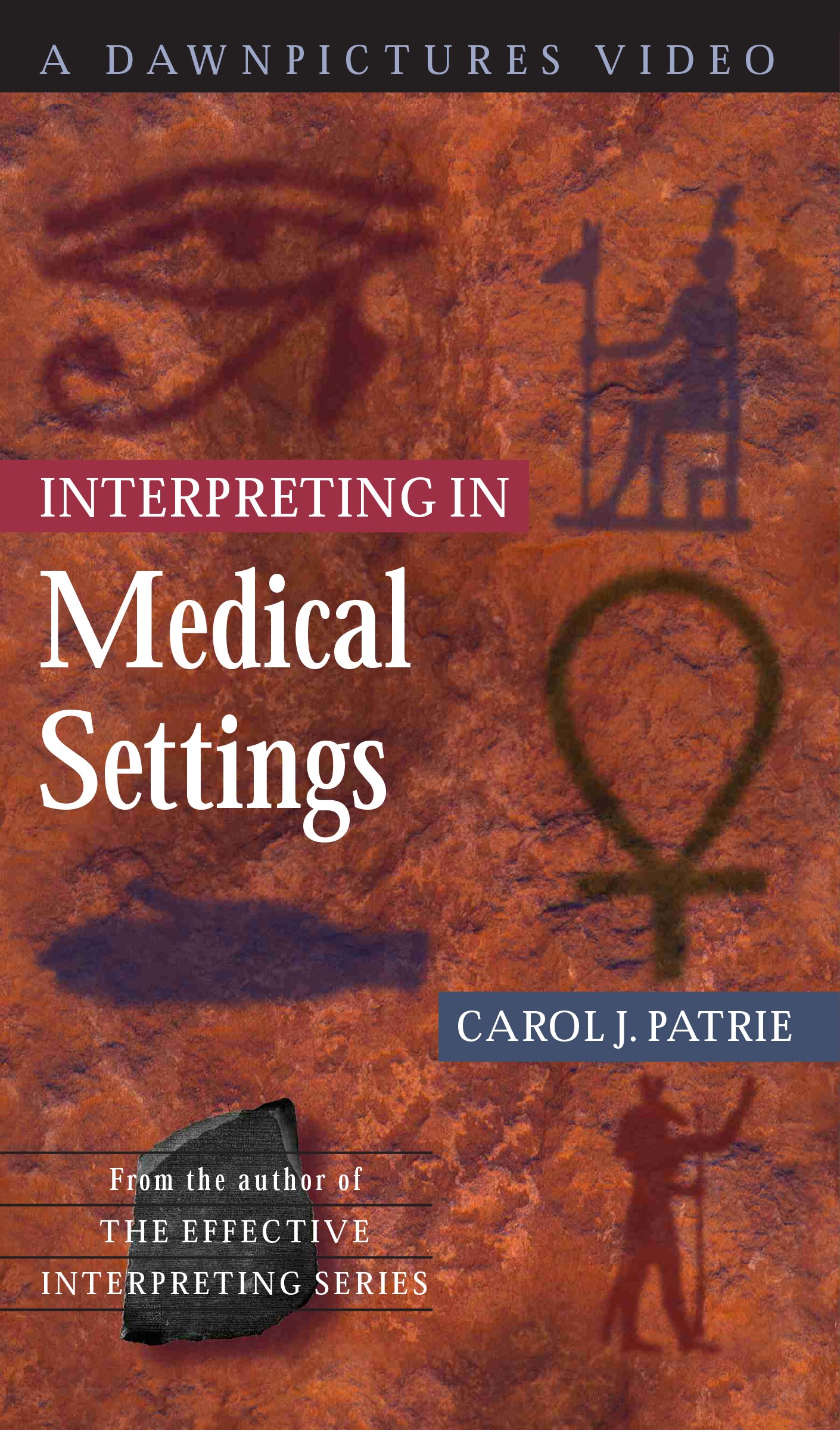
If you are using our ASL or interpreting materials, find the title of your book to subscribe to the corresponding video library. Subscribers to our online video libraries can access video materials on computers, tablets and smart phones any place, any time! When you subscribe to a library, videos are easy to find. Two drop-down lists lead you to the correct video. Pick a unit, then a video to see exactly what you need to study before your next class. Each book includes 12 months of access, and you can extend your subscription beyond one year for an additional fee.
Have an Access Code?
USE YOUR VIDEO LIBRARY ACCESS CODE (12 CHARACTERS LONG), FOUND ON THE PEEL-OFF STICKER IN THE BACK OF YOUR BOOK, HERE TO REDEEM YOUR SUBSCRIPTION!
If you have already subscribed to our video library, please log into your dashboard to access the videos. If you are a returning subscriber, please log into your account first before redeeming your new access code.
To use your 12-digit access code, please follow these steps:
1. Click on the image for the book you’re using below.
2. Under the FREE subscription, click on the Get Access button.
3. Enter your Access Code and click on the Sign Up Now button.
4. Fill out all of the required ACCOUNT INFORMATION and click Add to Cart.
That’s it! Your video library can now be accessed through your Dashboard. To view a step-by-step video on how to enter your code, click here.
READ ME: If your access code is 10 characters long and begins with 16D, 20D, F16D, FB16D, F20D, FB20D, you cannot enter it here. Those codes are for the Signing Naturally Interactive Online Student Materials, and will be entered in your LMS once you’ve logged into your course.
By subscribing to the video library you agree to our terms of use.
Available Subscriptions
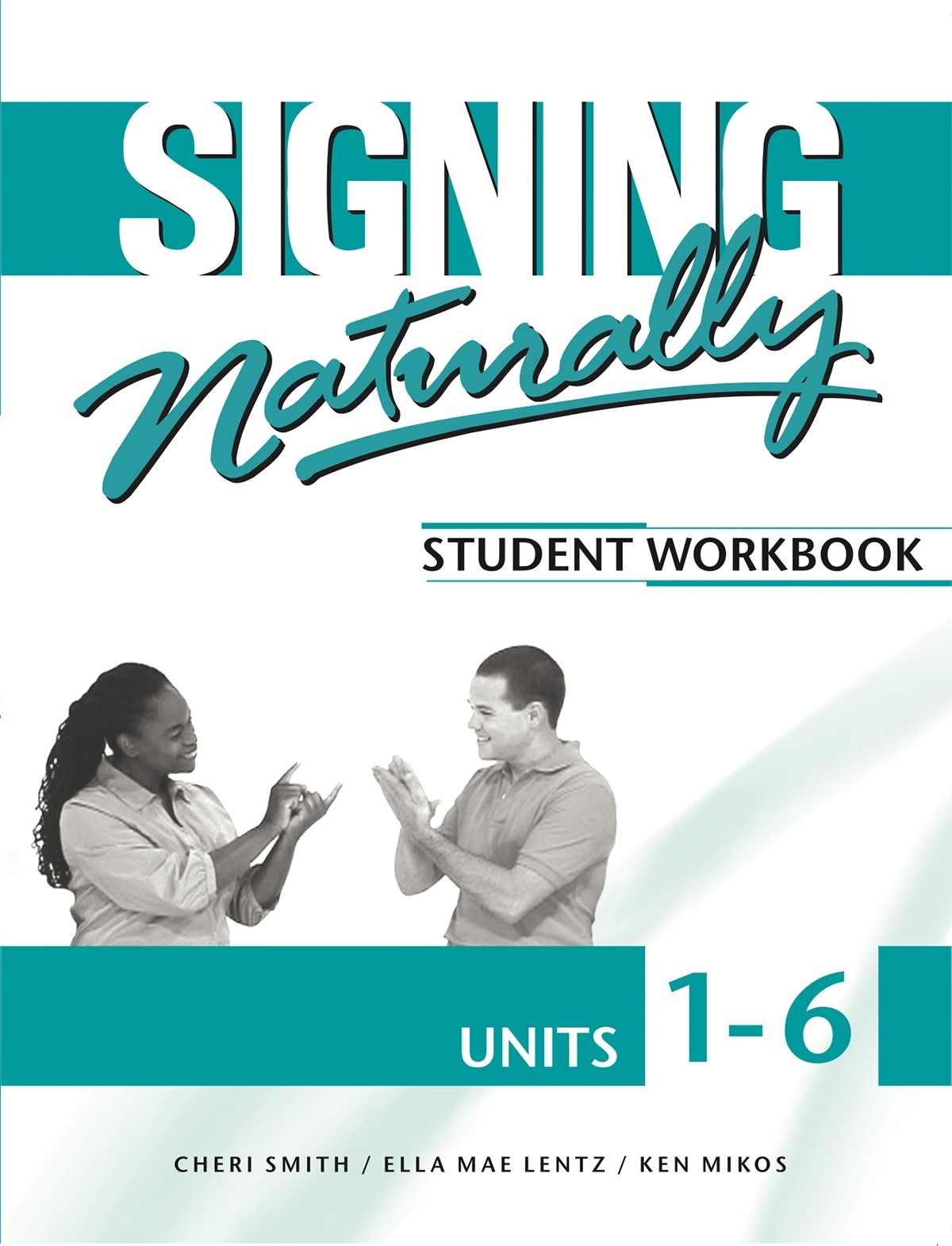
Signing Naturally 1-6
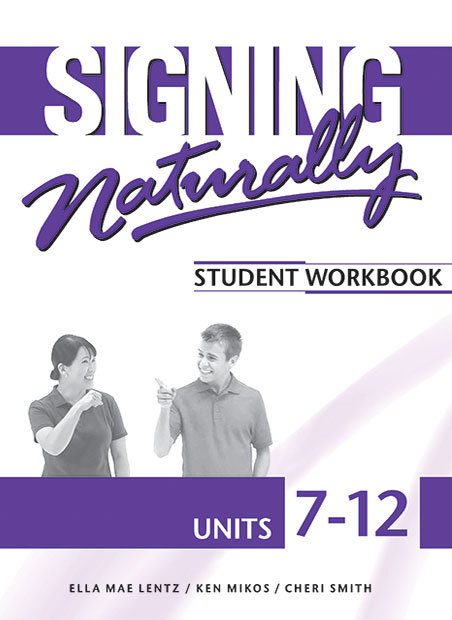
Signing Naturally 7-12

Signing Naturally Level 2

Signing Naturally Level 3
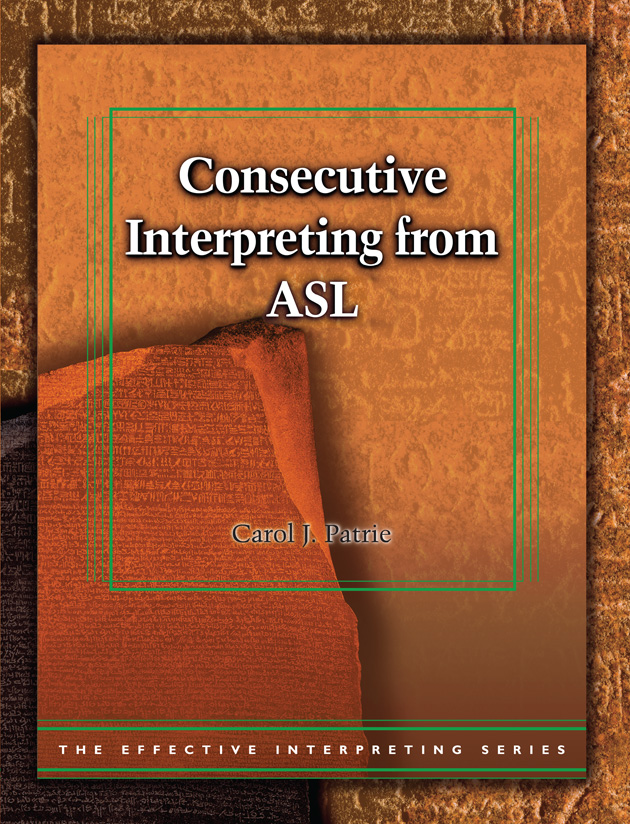
Consecutive Interpreting from ASL
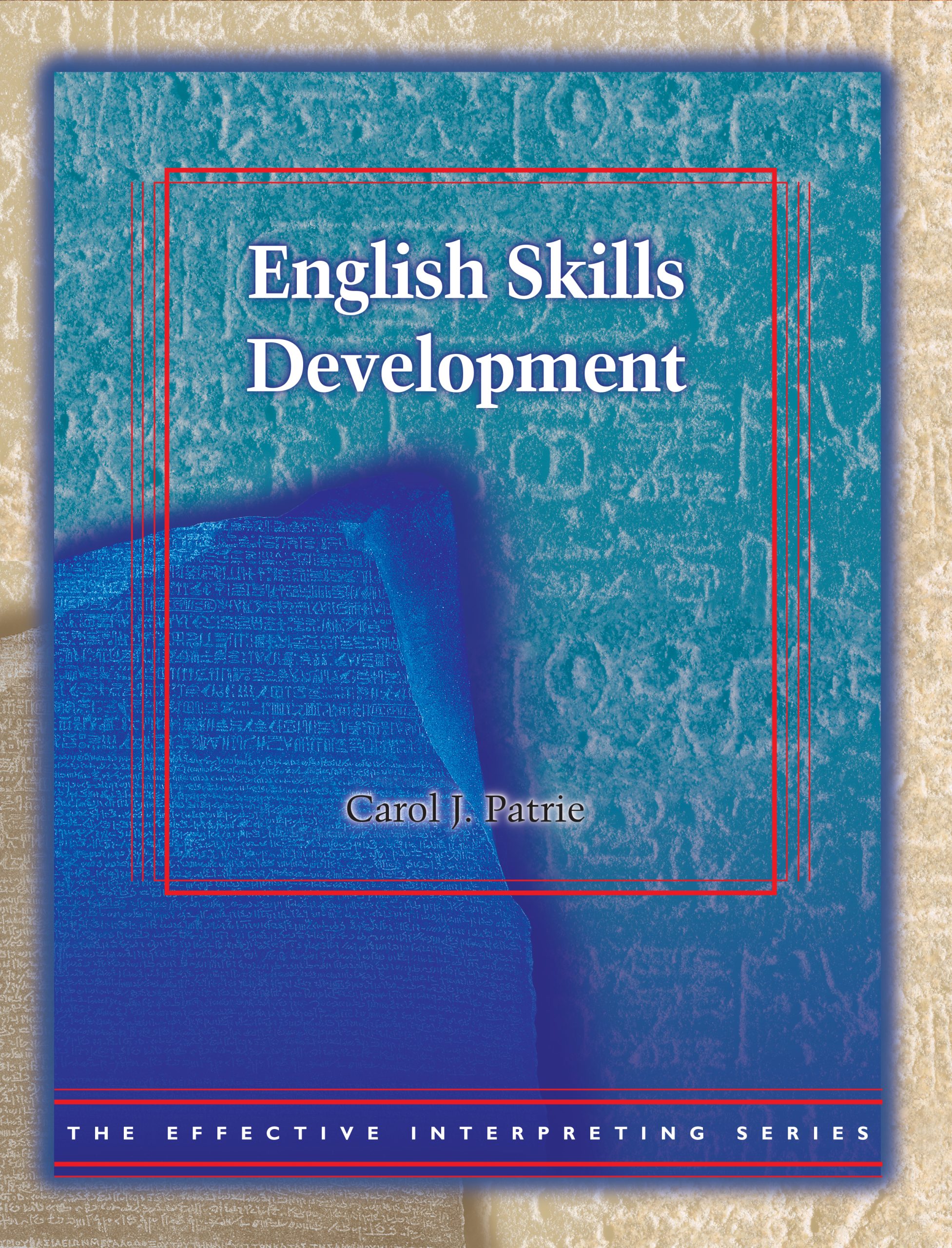
English Skills Development

Cognitive Processing Skills in English

Simultaneous Interpreting from English

Translating from ASL
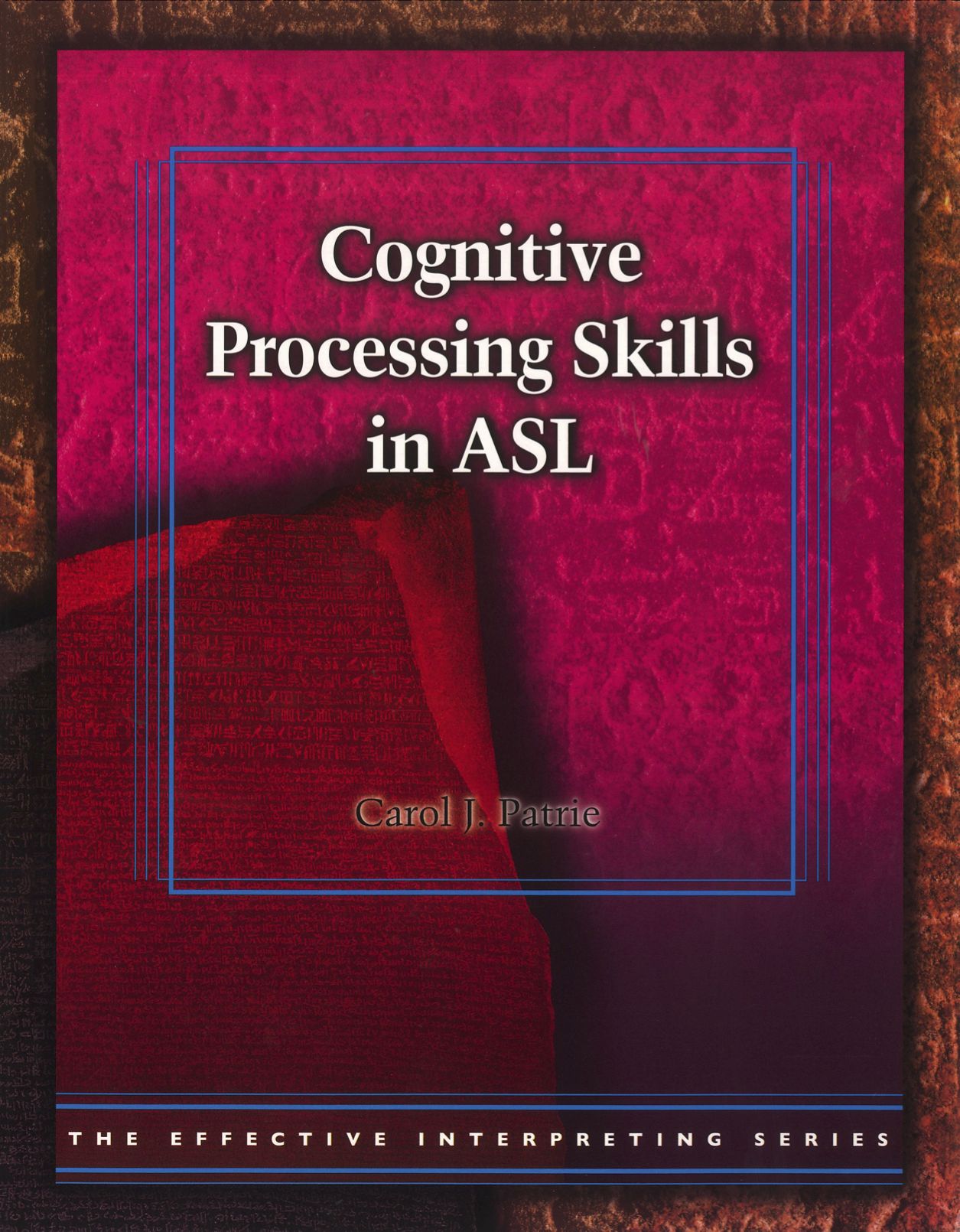
Cognitive Processing Skills in ASL
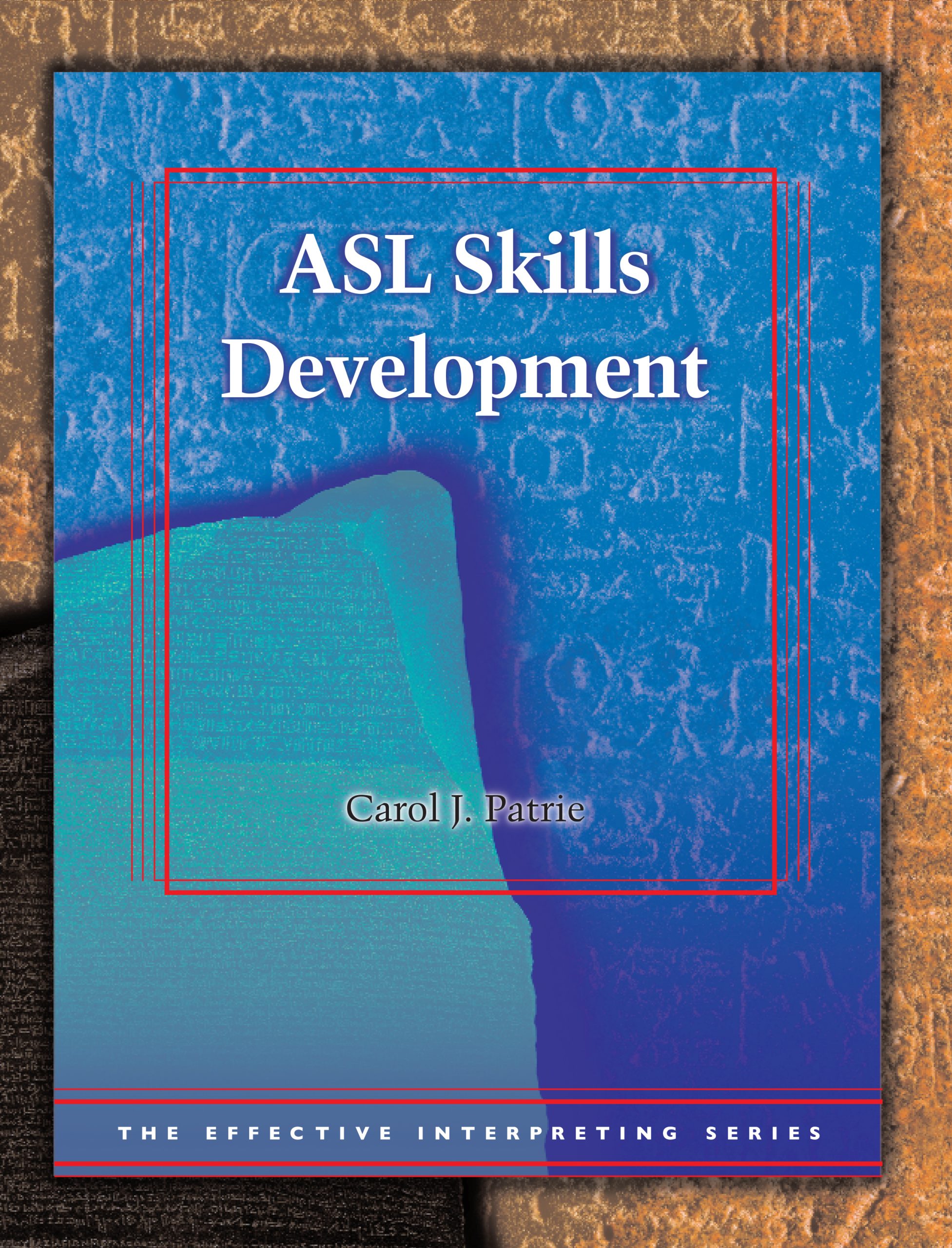
ASL Skills Development

Translating from English
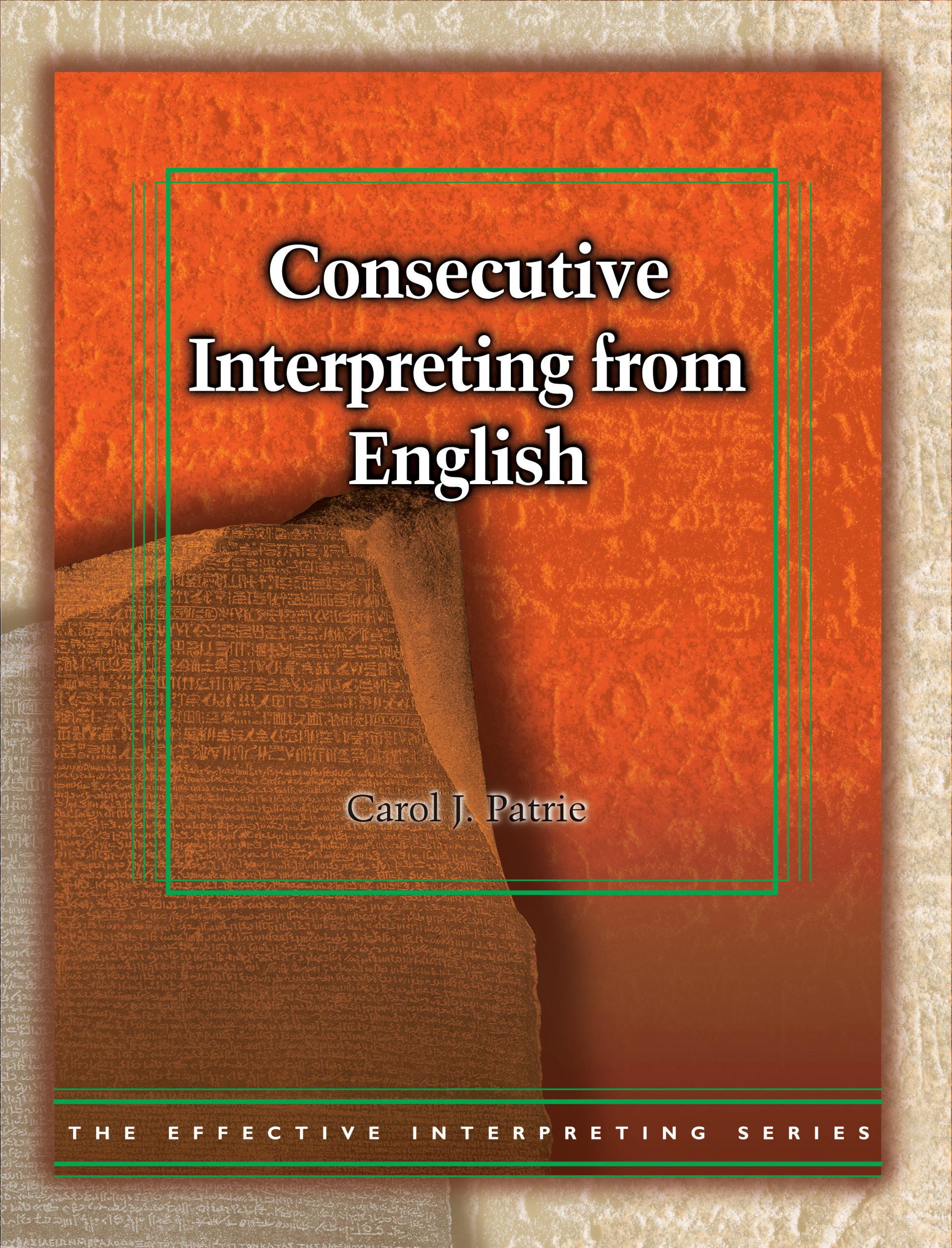
Consecutive Interpreting from English

ASL at Work

Simultaneous Interpreting from ASL

ASL Literature Series

Fingerspelled Word Recognition through Rapid Serial Visual Presentation
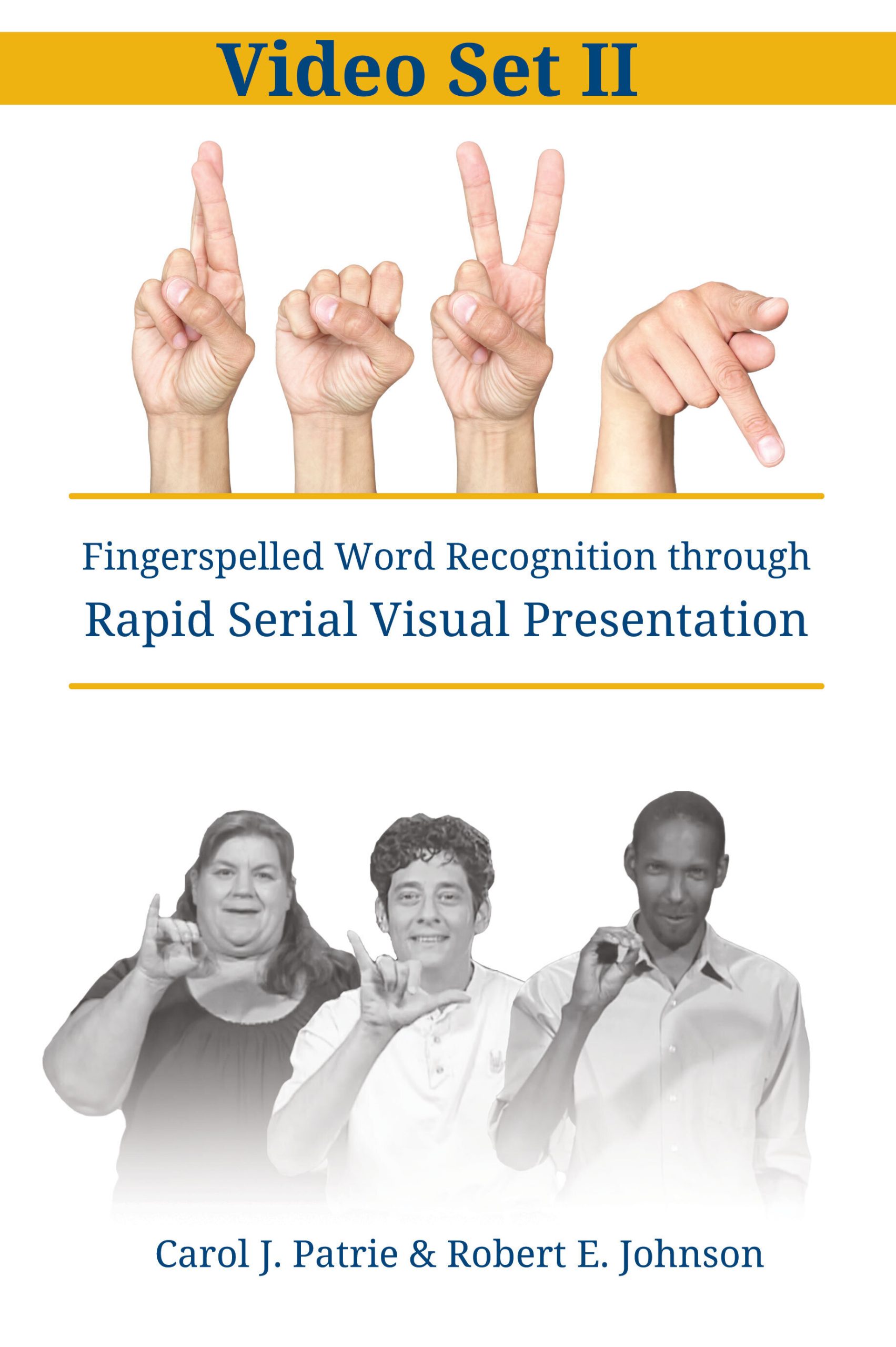
RSVP Video Set II
INTERPRETING IN Insurance Settings
INTERPRETING IN Legal Settings